

If you’ve spent time looking for a better version of Twitter without ads, chances are you’ve come across Piko Twitter. It’s been gaining attention lately, especially among users who want more control, few to zero ads and extra features that the official app simply doesn’t offer.
But is it worth it? Is it safe? And how exactly do you install it without running into issues like the frustrating “login error attestation denied”?
Let’s break it all down step by step
What is Piko Twitter?
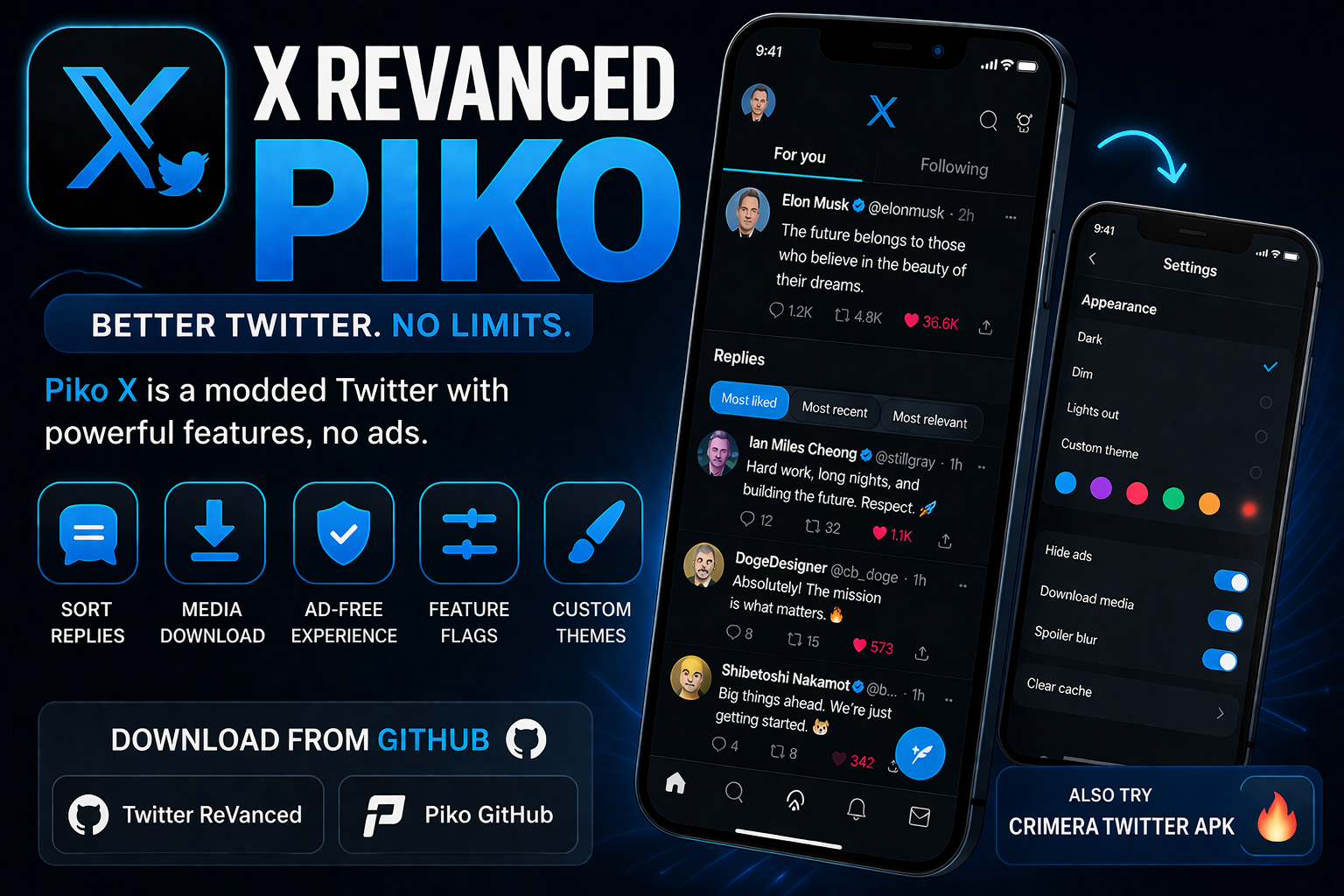
Revanced Twitter is a modified (modded) version of the official X (formerly Twitter) app. It’s not available on the Play Store or App Store — instead, it comes as an APK file you install manually.
In simple terms, it’s Twitter… but upgraded.
Think of it like this…
The official app gives you the basics. Piko Twitter gives you extra control and hidden features that regular users don’t normally get access to.
Why People Are Switching to Revanced Twitter
Let me be honest — the main reason people move to Piko Twitter is frustration with the official app.
From my experience and what many users say:
- Too many ads
- Limited customization
- Missing useful features
- Restrictions on video downloads
Revanced Twitter tries to fix all that.
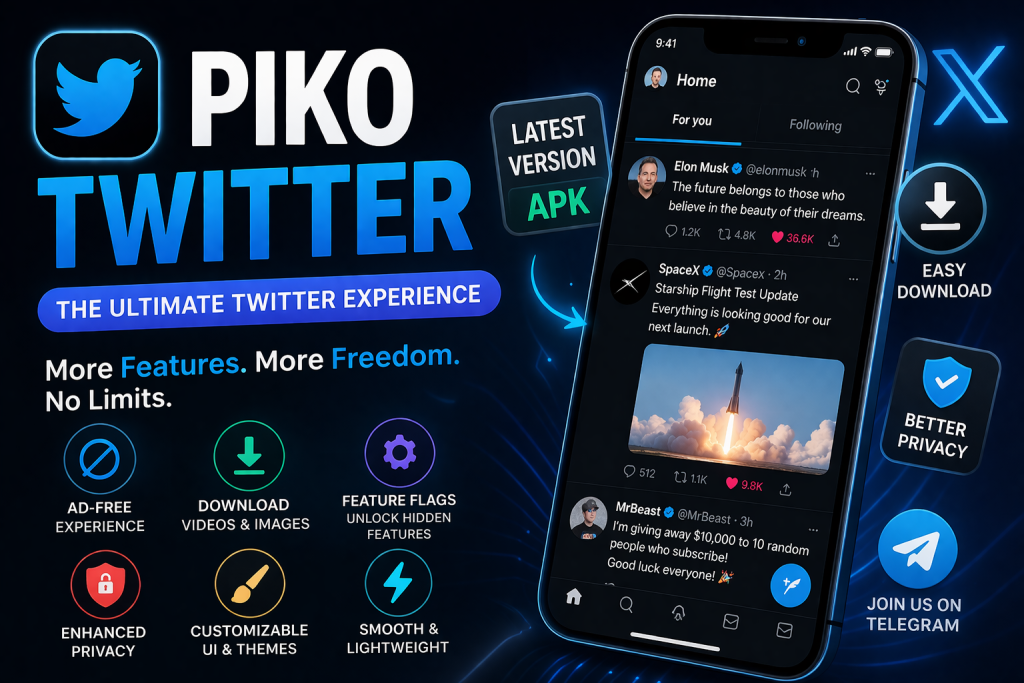
Key Features of Piko Twitter
Here’s where things get interesting.
1. Ad-Free Experience
No interruptions, no sponsored tweets everywhere. It feels cleaner and very fast
2. Media Download Option
You can download:
- Videos
- Images
- GIFs
Directly from tweets, no need for third party tools or website
3. Piko Twitter Features Flags
This is one of the biggest advantages.
Feature flags let you unlock hidden or experimental features inside Twitter. These are usually only available to developers or testers.
Examples include:
- UI tweaks
- Early access tools
- Hidden settings
If you like exploring, this alone makes Piko Twitter worth trying.
4. Better Privacy Control
You get more control over:
- Tracking
- Analytics
- Background data usage
It’s not perfect, but i think it’s definitely better than the official version
5. Customization Options
You can tweak:
- Themes
- Layout
- Fonts
This gives a more personal feel compared to the main twitter app
Piko Twitter APK: What You Should Know
Since it’s not on official stores, you’ll need the APK to install it.
How to Download Piko Twitter (Step-by-Step)
Let me walk you through it in a simple way:
Step 1: Find a Trusted Source
Search for:
- download piko twitter mod apk
Important: Avoid random shady websites. Some versions may contain malware.
Step 2: Enable Unknown Sources
On your Android phone:
- Go to Settings
- Open Security
- Enable Install unknown apps
Step 3: Install the APK
- Open the downloaded file
- Tap Install
- Wait a few seconds
Done
Step 4: Open and Login
Launch the app and sign in with your Twitter account.
Piko Twitter Login Error (Attestation Denied) – Fix
This is one of the most common problems:
“Login error attestation denied”
Yea, it’s annoying.
Why it happens
This usually happens because:
- Twitter detects unofficial apps
- Safety checks fail
- Google Play Integrity / SafetyNet issues
How to Fix It
Here are some practical fixes
1. Use an Older Version
Sometimes the latest version gets blocked, Try old version
2. Clear App Data
- Go to Settings → Apps → Piko Twitter
- Clear cache & data
- Try logging in again
3. Use a VPN
This sounds weird, but it helps sometimes.
- Connect to a different region
- Then try logging in
4. Avoid Rooted Devices (or Hide Root)
If your phone is rooted, Twitter may block access.
5. Try The Clone
Some developers release the clone versions that bypass restrictions.
These clones:
- Use different package names
- Avoid detection temporarily
What About Piko X Twitter Telegram?
If you’ve been searching, you’ve probably seen:
- piko twitter telegram
That’s because most updates, downloads, and discussions happen on Telegram groups.
Why Telegram?
- Faster updates
- Direct APK sharing
- Community support
But be very careful its not every Telegram link that is safe. Always double check before downloading anything.
Is Piko Twitter Safe?
Let’s be real, this is the big question.
The honest answer:
It depends.
Pros:
- More features
- Better experience
- Customization
Cons:
- Not officially supported
- Possible security risks
- Account ban risk
From real-world experience:
- Many people use it without issues
- But there’s always a risk involved
Piko Twitter vs Official Twitter(X) App
| Feature | Official App | Piko Twitter |
|---|---|---|
| Ads | Yes | No |
| Media Download | No | Yes |
| Customization | Limited | Advanced |
| Feature Flags | No | Yes |
| Security | High | Medium |
| Risk of Ban | None | Possible |
Related Alternatives You Should Know
If you’re exploring the app, you might also come across:
- Twitter mod APK
- Twitter premium unlocked
- Aero Twitter
- Twitter++
These are similar — but Piko Twitter stands out because of its feature flags system.
My Personal Opinion
If you’re someone who:
- Loves customizing apps
- Hates ads
- Wants more control
Then Piko Twitter is honestly fun to use.
But, If you’re using your main account, I’d advise caution
A safer approach:
- Use a secondary account
- Test it first
- Don’t rely on it 100%
Why Piko Twitter is Trending
Search trends show rising interest in:
- piko twitter apk download
- Revanced twitter latest version
Why?
Because users are tired of restrictions and want more control over their social media experience.
Final Thoughts
Revanced Twitter is one of those tools that feels like a hidden upgrade to Twitter — once you try it, it’s hard to go back.
But it’s not perfect.
You’re trading:
- Convenience + features
for - Risk + unofficial access
So the decision is yours.
Quick Summary
- Piko Twitter is a modded Twitter which gives you extra control and hidden features that regular users don’t normally get access to.
- Download it through APK (not Play Store)
- Offers ad-free + media download + feature flags
- Watch out for login errors (attestation denied)
- Use Telegram sources carefully
- Best used with a secondary account




Leave a Reply